Product
Seller Coupons
Company
Fiverr
Role
Product Designer
Year
2021
Project Overview
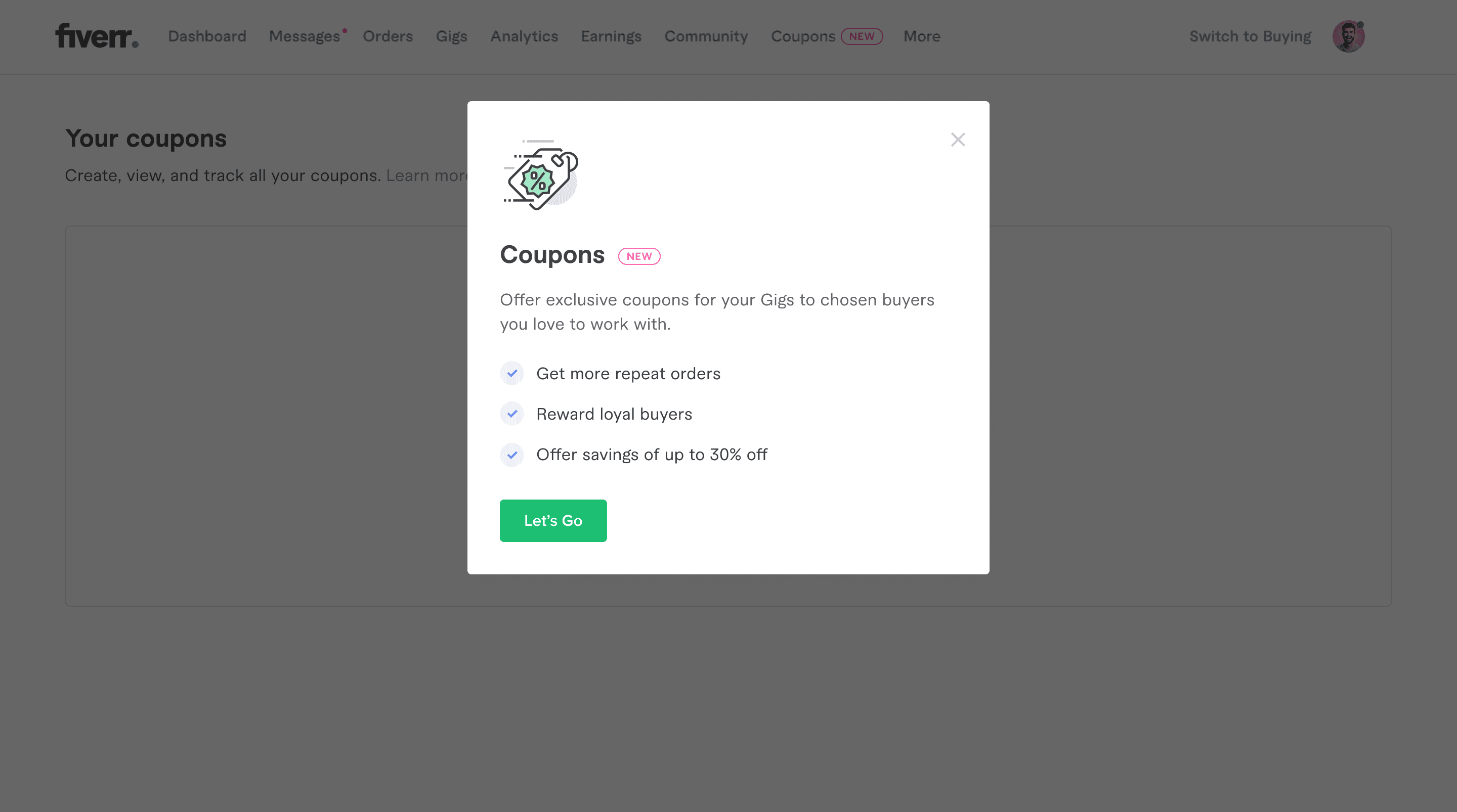
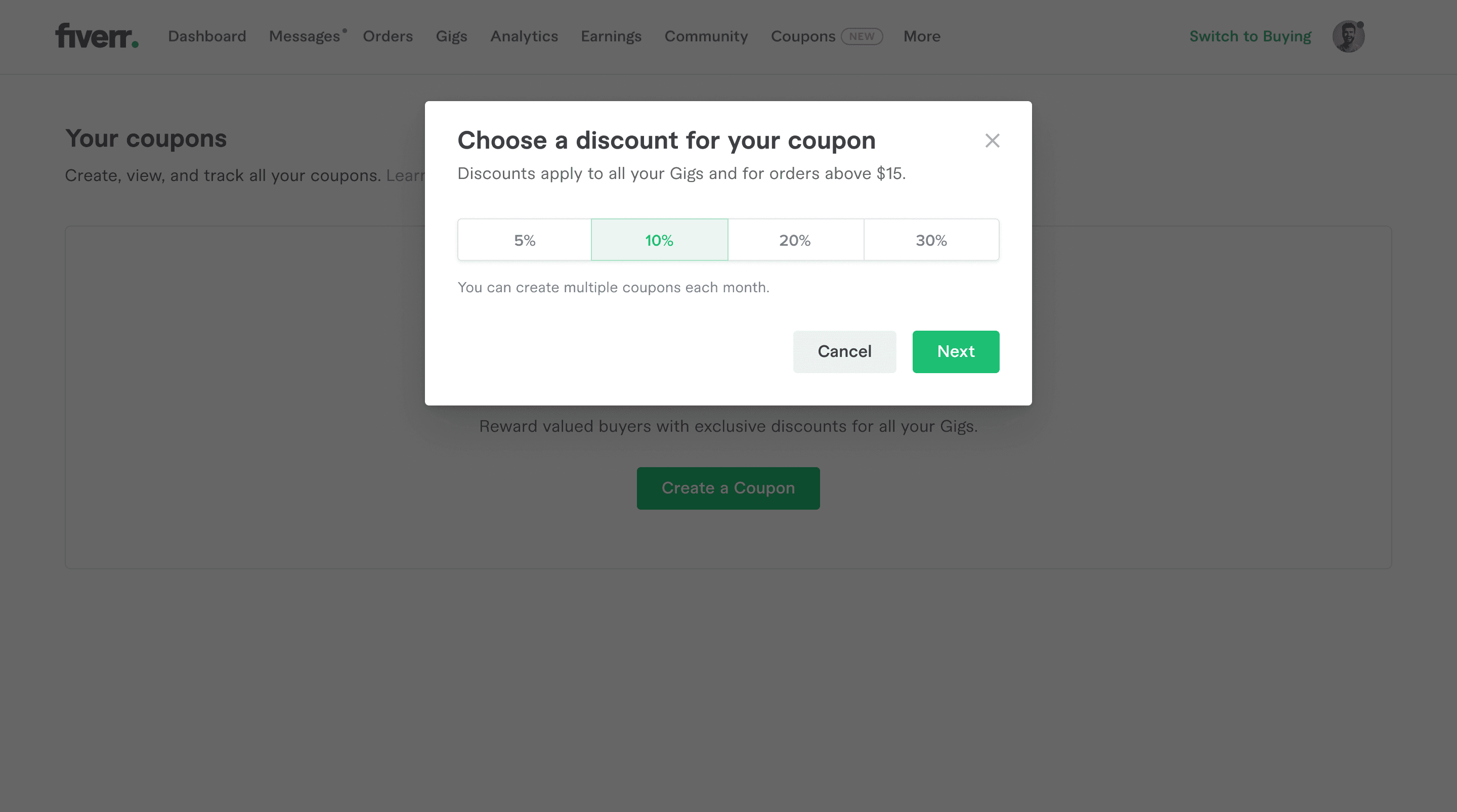
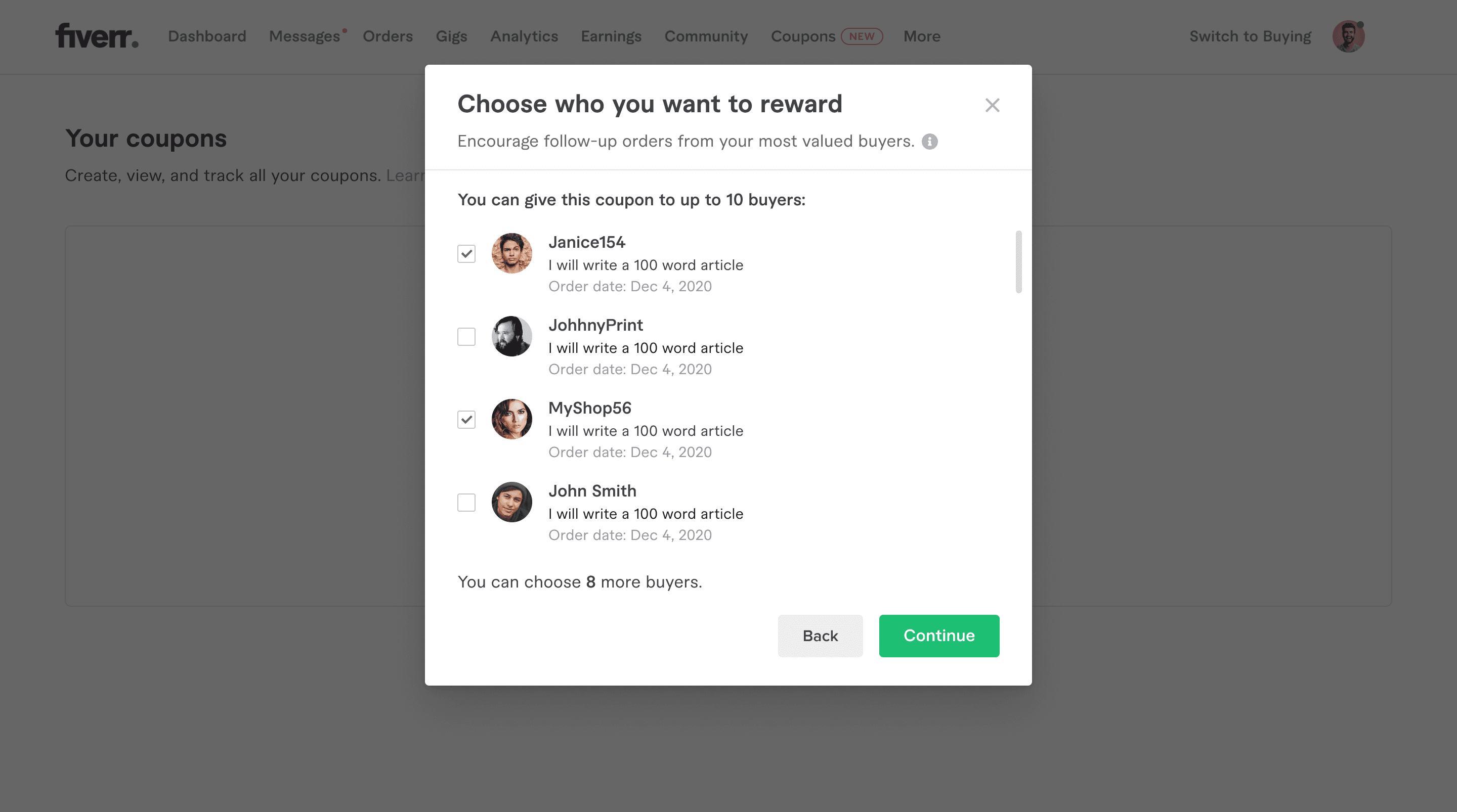
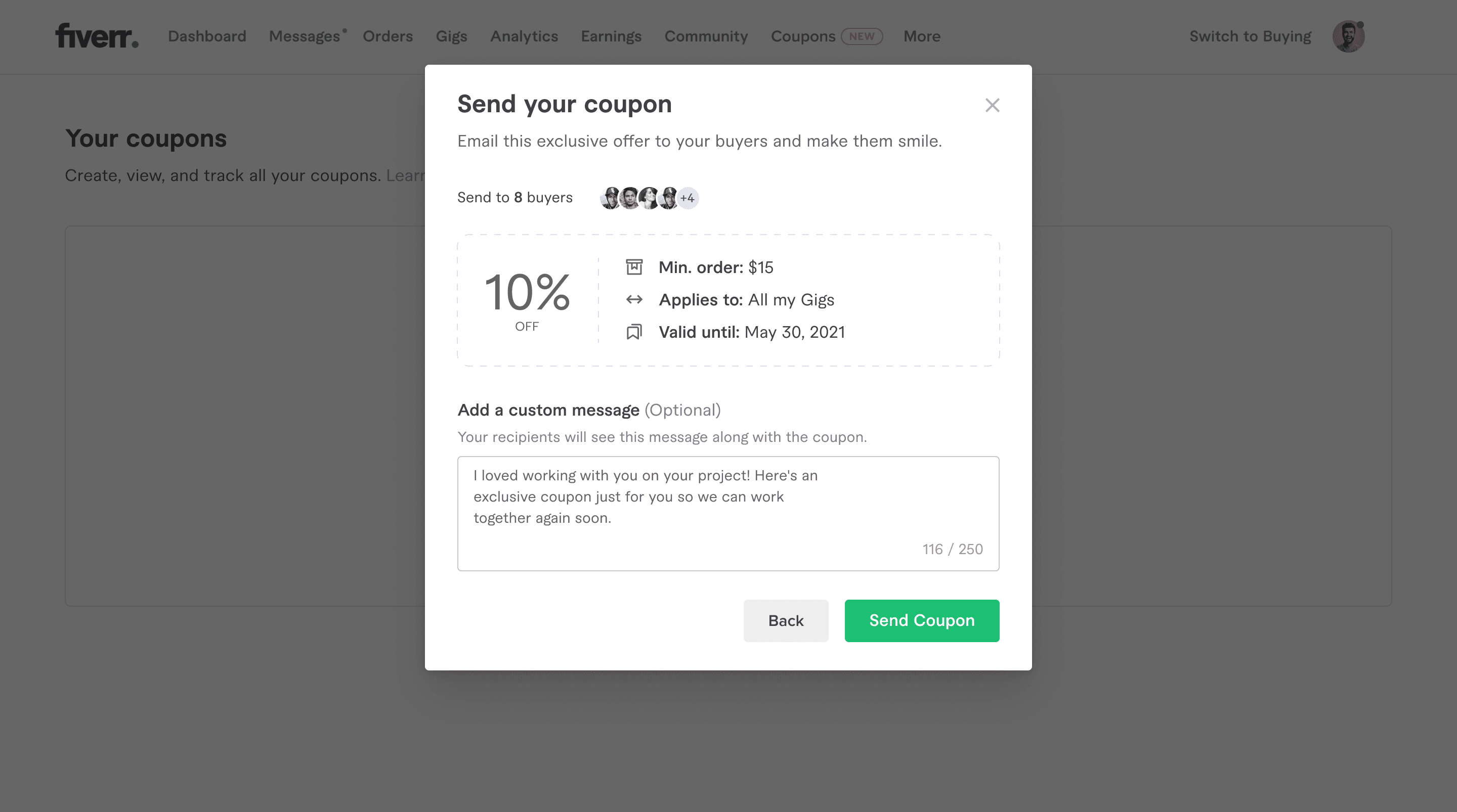
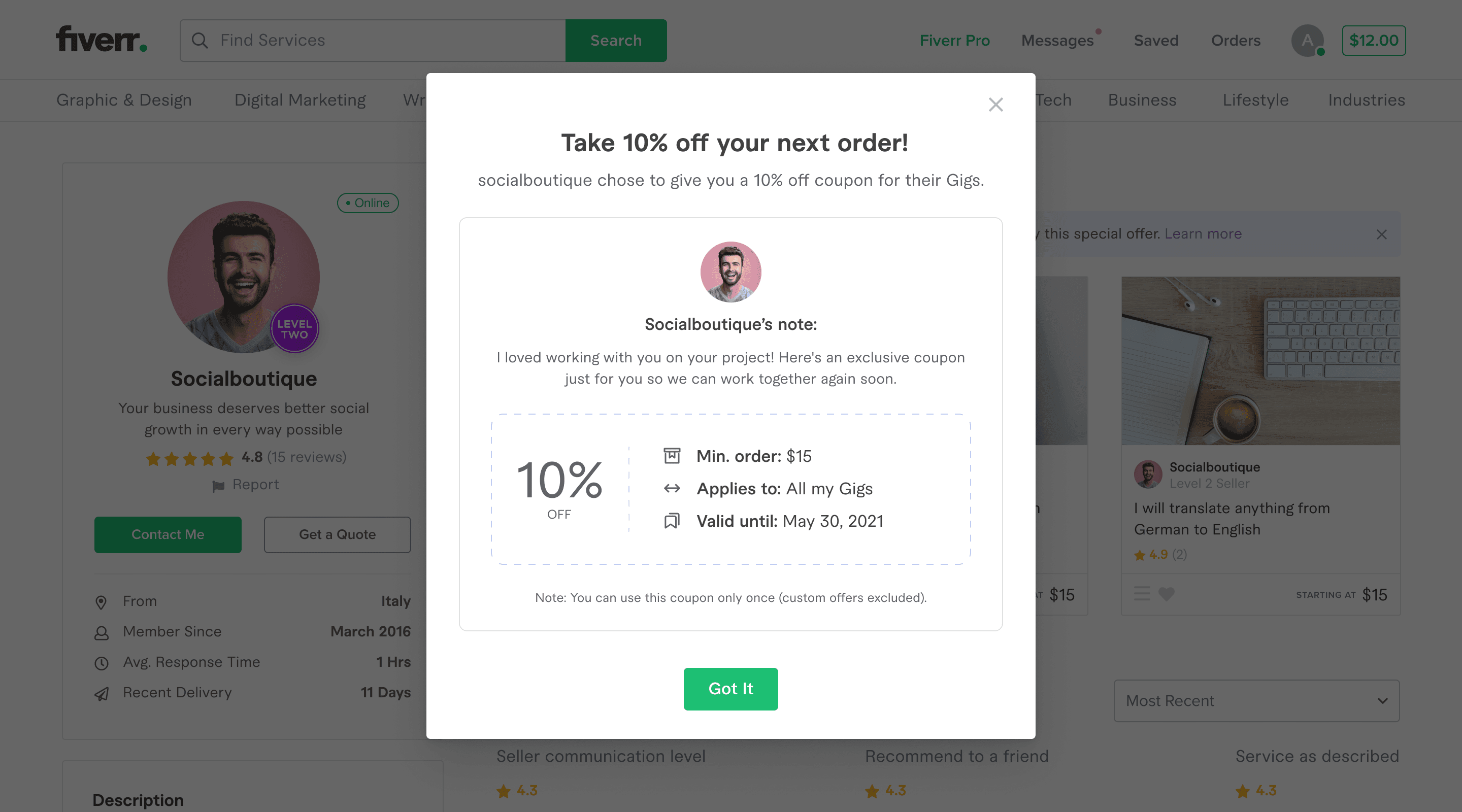
For a long time at Fiverr, Sellers did have basic analytics, but until now Seller's Tools did not have a dedicated area. My role in this project was to lead all aspects of design (research, wireframing, prototyping, testing) for the Seller Coupons initiative. working with the design team, 2 product managers, the UX writing team, the development team and UXR team.
Our goals for this project were to:
Improve the user experience for both Buyers and Sellers
Increase repeat purchases
increase Sellers’ revenue
Strengthen Seller & Buyer relationship
I started my research and discovery journey with a bit of reading. What I was stepping into here was a land of coupons, studded with its own nuances, ones that needed to be considered as this was the first time coupons were being baked into the product at Fiverr. Among many other articles, this article by the Nielsen Norman Group gave me a great deal of information.
Applying Discounts and Promotions on Ecommerce Websites
There is a nuance here that may be unexpected: Coupon fields, when empty, can actually decrease sales. Why? This is because some people will see it, and think “Oh there is a coupon discount for this! Maybe I will go look for the coupon on the internet” but to the dismay of many an e-commerce site, many of these users get distracted in the process, abandoning their purchase.
Market research
I looked at 10+ products and took detailed notes about what works and what does not about their flow, messaging/communication and UI conventions. Below, I would like to highlight two examples that stood out to me.
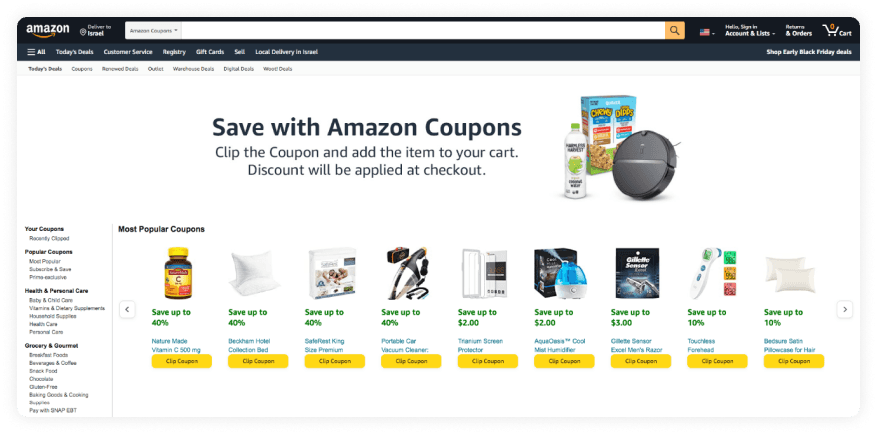
Amazon has Coupons, and when I thought about the naming (“Coupon”) I started wondering what differentiates Coupons from other discount methods on Amazon. I did some digging and found out that there are a total of four discount terms in use on Amazon:
Seller promo
A code that can be used externally (e.g. AM1234).
Seller coupon
Sellers pay Amazon $.80/click and are featured in the Coupons section.
Seller sale
Price reduction but with no visual indication other than lower price.
Amazon sale
Amazon highlights items on sale for a holiday etc...
We found ourselves with a very relevant conversation within the stakeholder circle. Whaddya call this thing? Is it a coupon, promo, voucher, gift card, sale or a discount? This is important to know early on because the messaging and thus the UX can differ greatly depending on the terminology used.
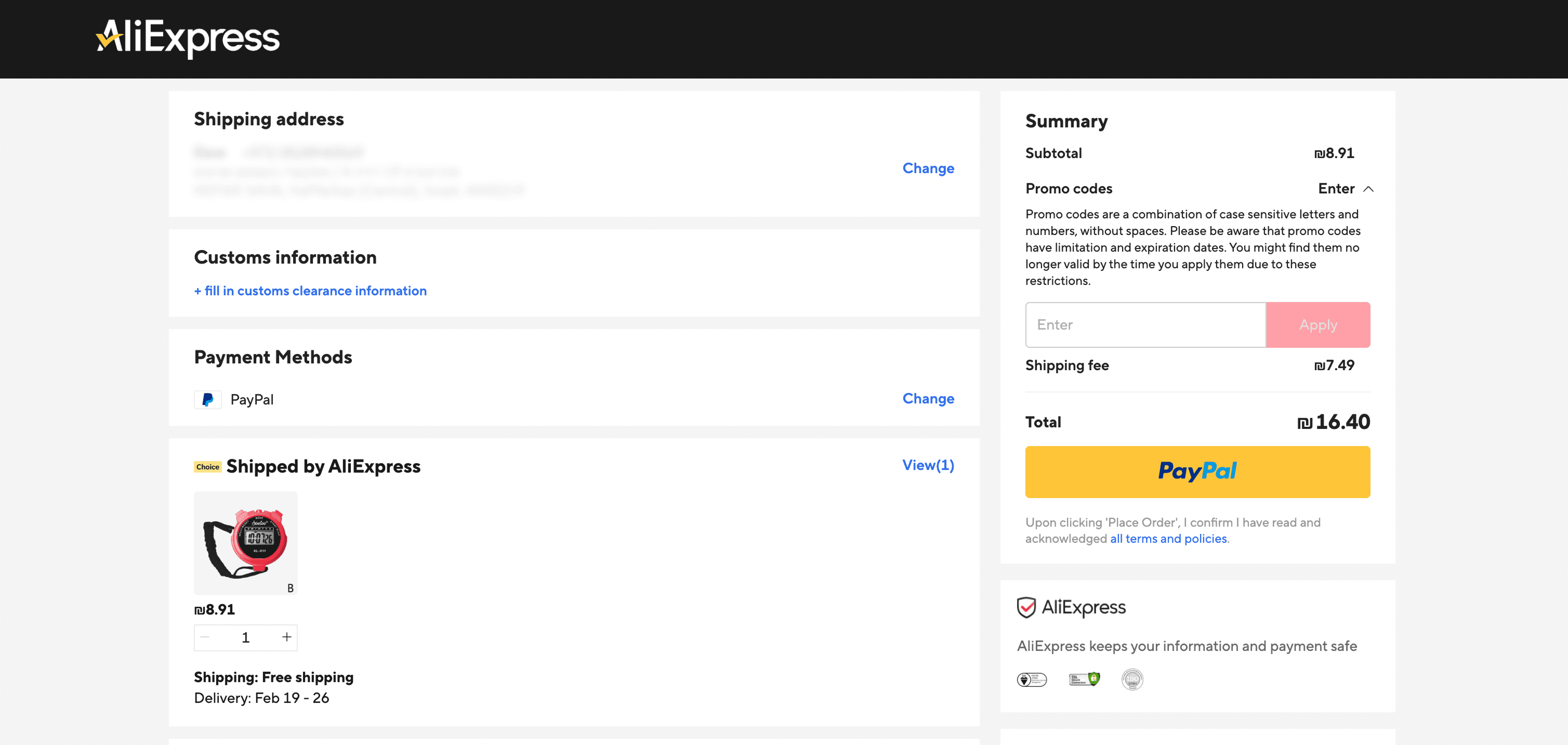
AliExpress is saturated with promotional elements. One of the first things that pops up when you enter the website is a pop-up with a promotion of some kind. AliExpress takes their promotions seriously.
Naturally, it makes sense that they offer the option to select other coupons that I’ve clipped. I thought this was extremely necessary considering how promo-oriented AliExpress is.
Mini-Personas
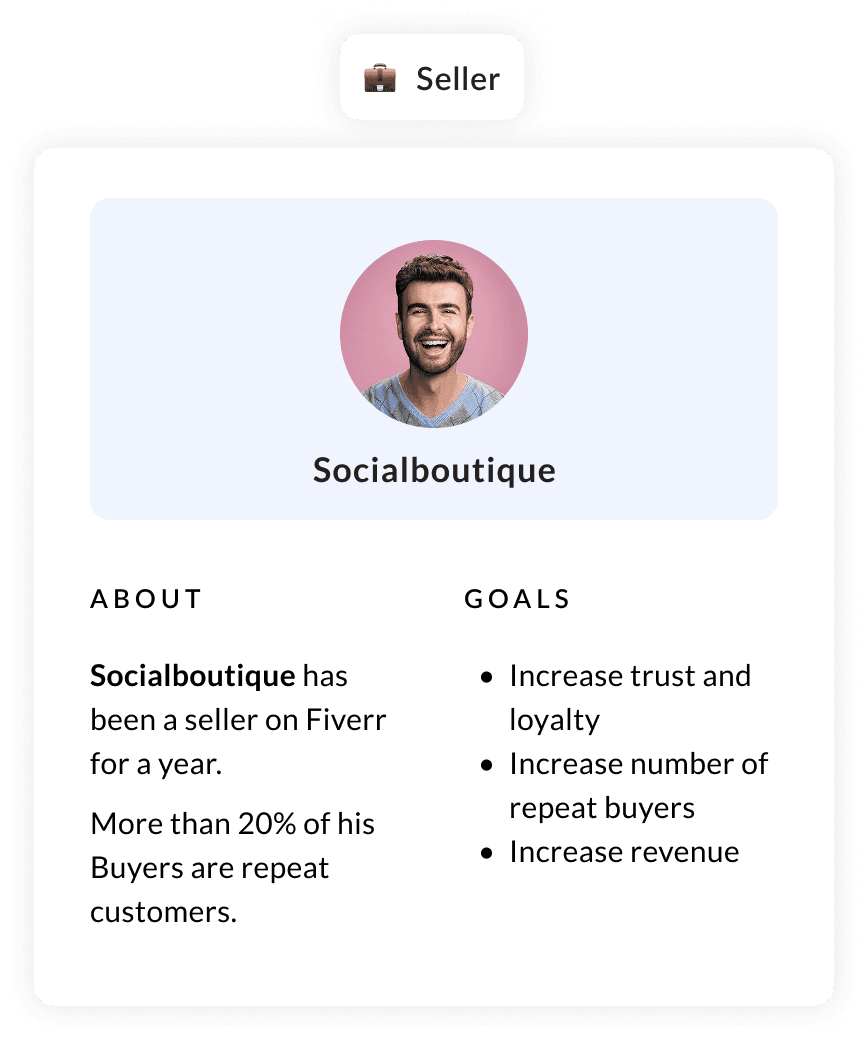
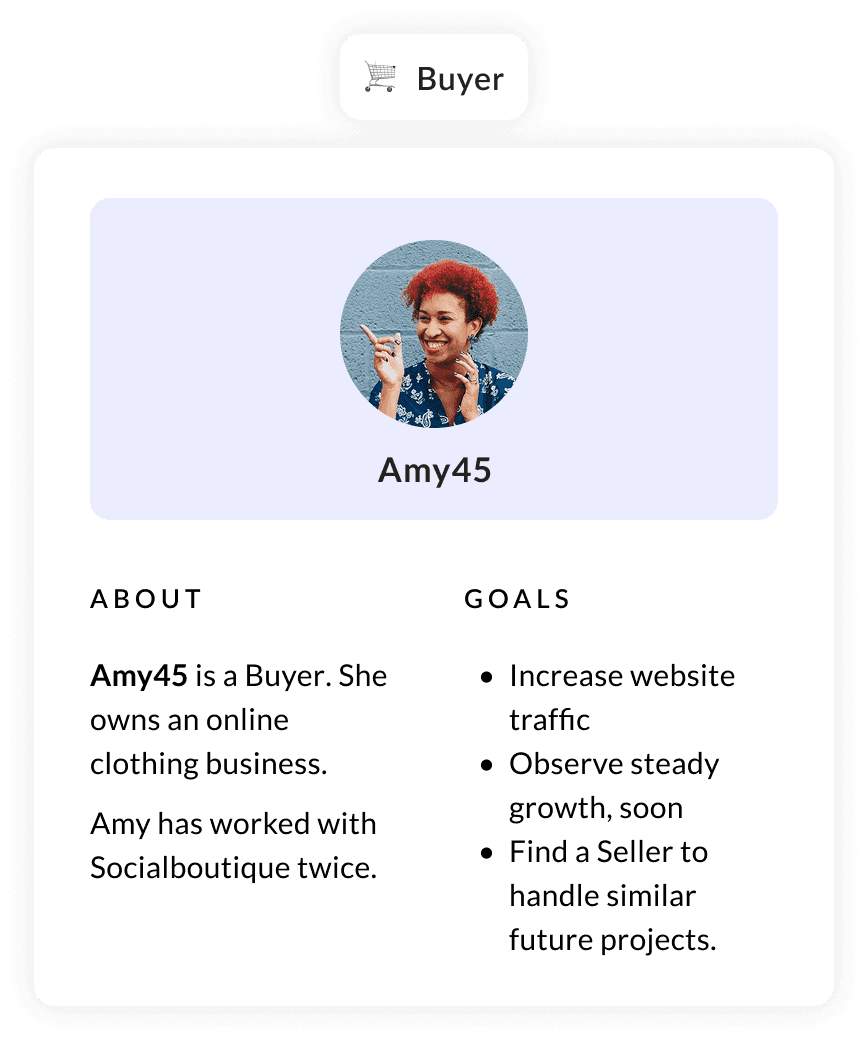
At the time, Sellers did not have the Coupons feature, so they would stick to messaging Buyers after their order is complete with a coupon-like offer. Buyers for their part, had these “Come back soon!” messages, as well as Fiverr promotion codes from Marketing or Customer Support.
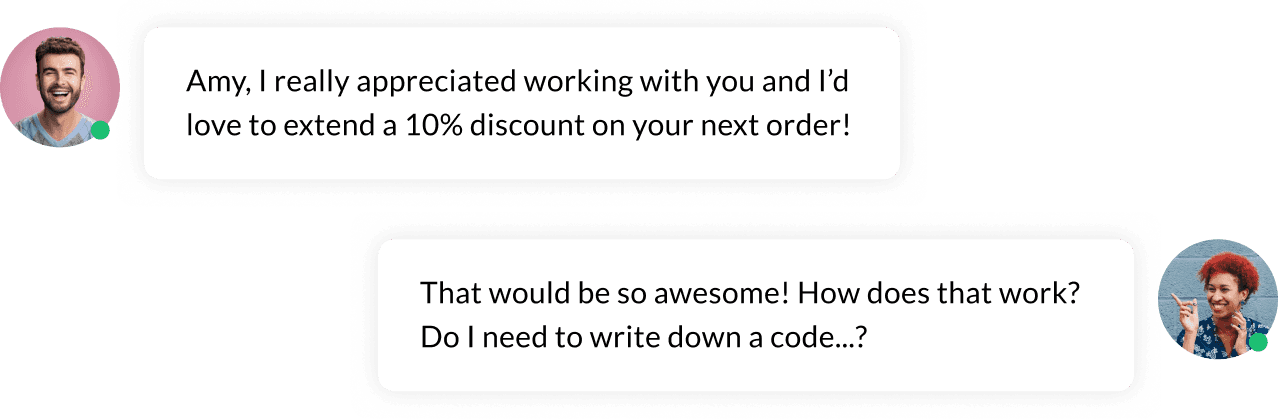
Ad-hoc-ing coupons in conversation can be confusing for both the Buyer and Seller. From the Buyers’ point of view, the computer should intuit when the best time to use the coupon is and offer it to them. For the Seller, a lot of knowledge can be gleaned regarding coupon usage if only it was a part of a more self-aware process.
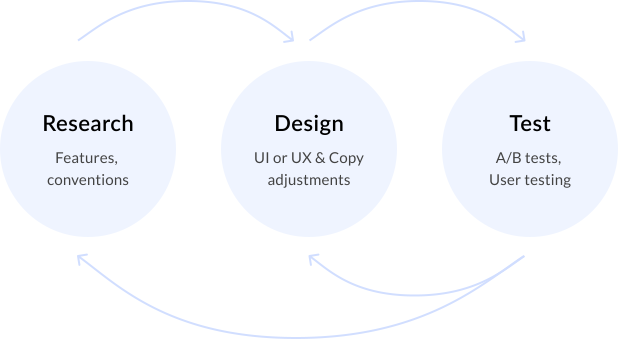
Since this project started as a proof of concept, I used live-elements in all stages of design. We went through an iterative process that looked something like this: